How It Works
Dryer
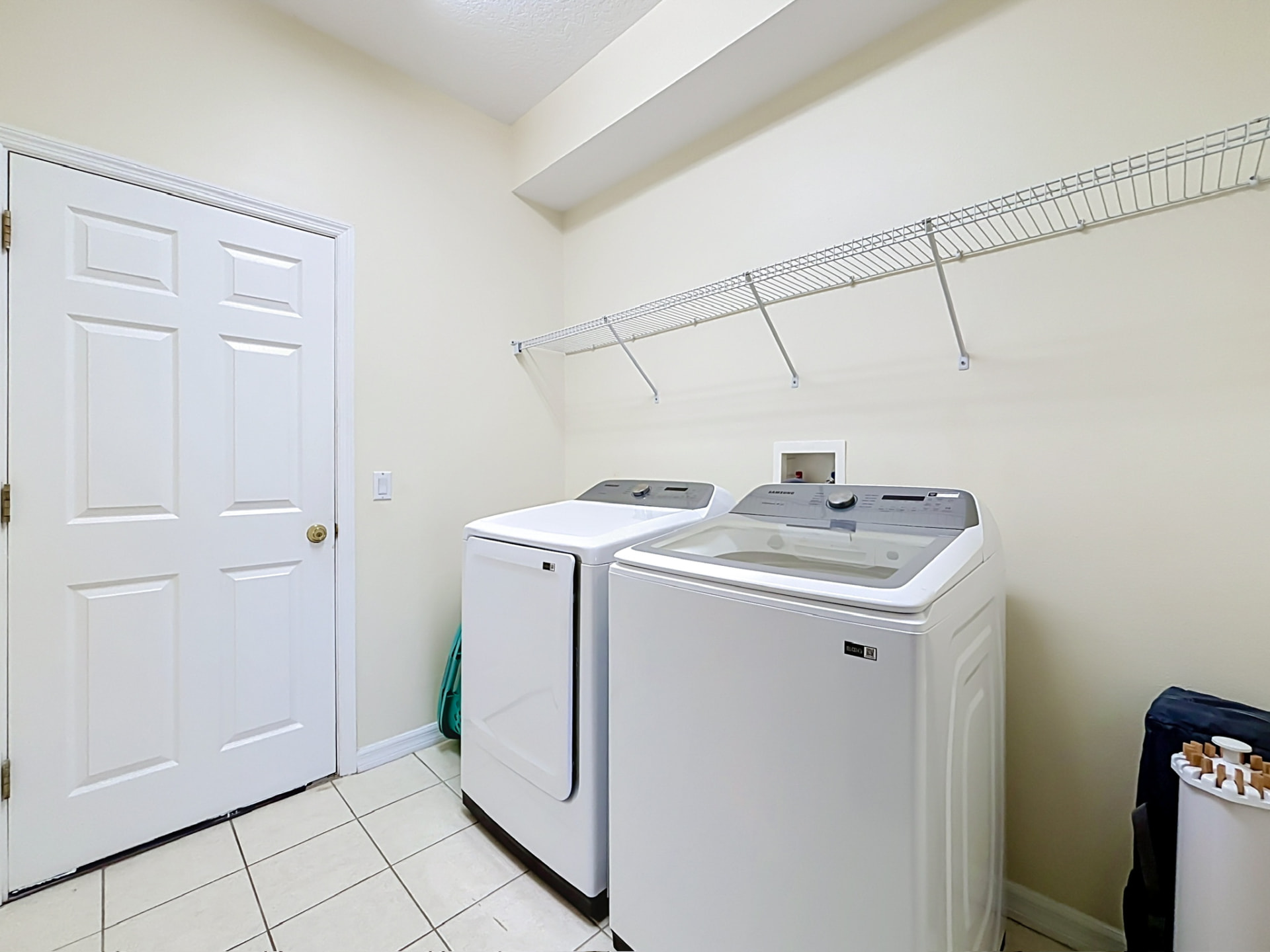
The laundry room has a Samsung electric dryer. Clean the lint filter before every load — it sits just inside the door.
How to use
- Press “ON”.
- Select the program with the turning dial.
- Press “Start”.
The program can be adjusted with the buttons on the right of the turning dial.
Good to know
- Clean the lint filter before every load — a full filter makes drying slower and uses more energy.
- The dial offers programs such as NORMAL, HEAVY DUTY, WHITES, PERM PRESS, ACTIVEWEAR, DELICATES, TIME DRY, QUICK DRY, RACK DRY, SANITIZE, STEAM REFRESH and WRINKLE RELEASE.
- With the buttons on the right of the dial you can adjust the selected program — temperature (Temp.), drying time (Time) and other cycle options.
- The display shows the estimated time remaining for the selected cycle.
- Please leave the dryer door open after your last load so it can dry out.
Full manual
For the complete Samsung dryer user manual, including the full cycle chart, safety instructions and troubleshooting, open the official manual:
Open the dryer manual (PDF)